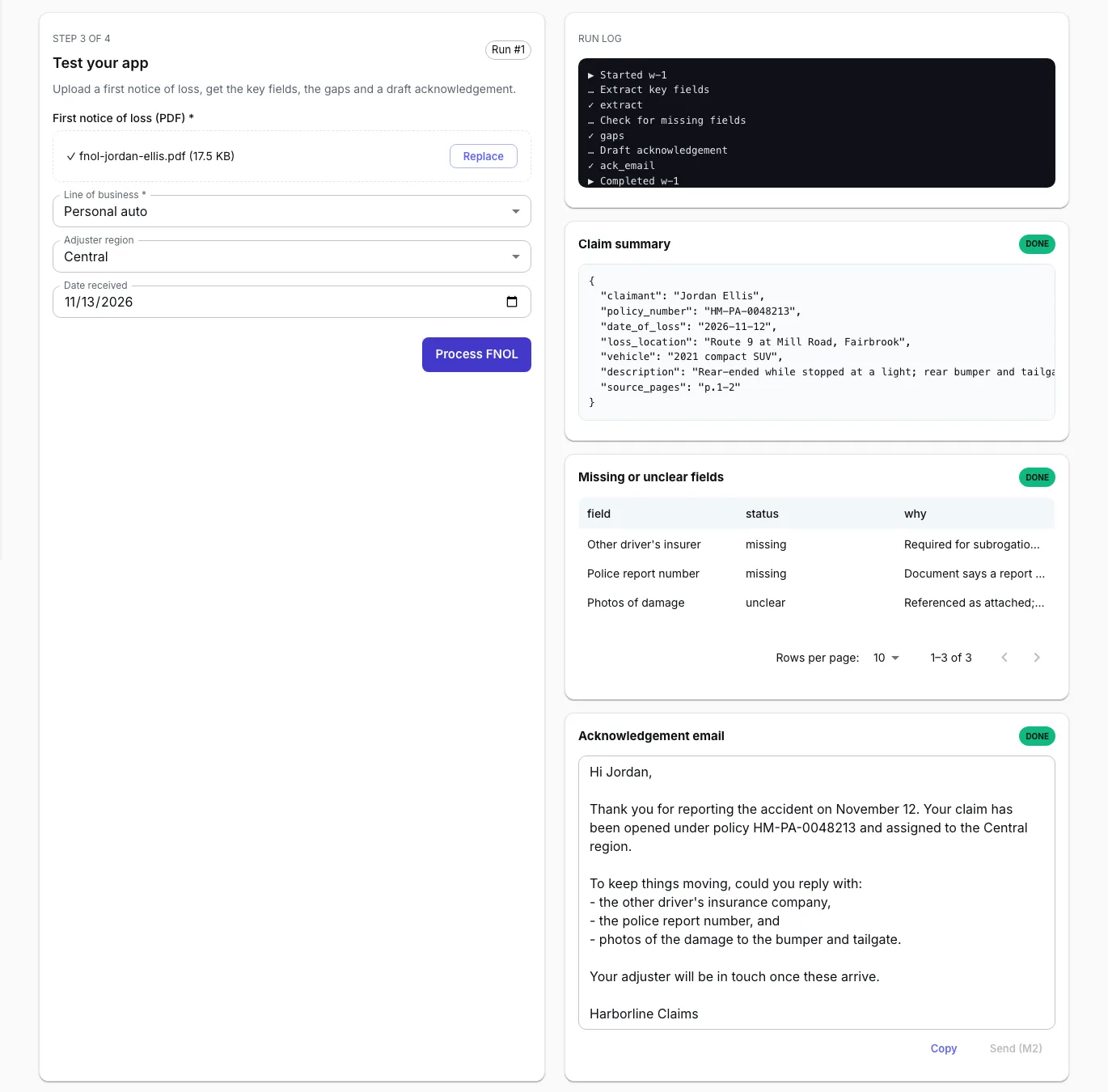
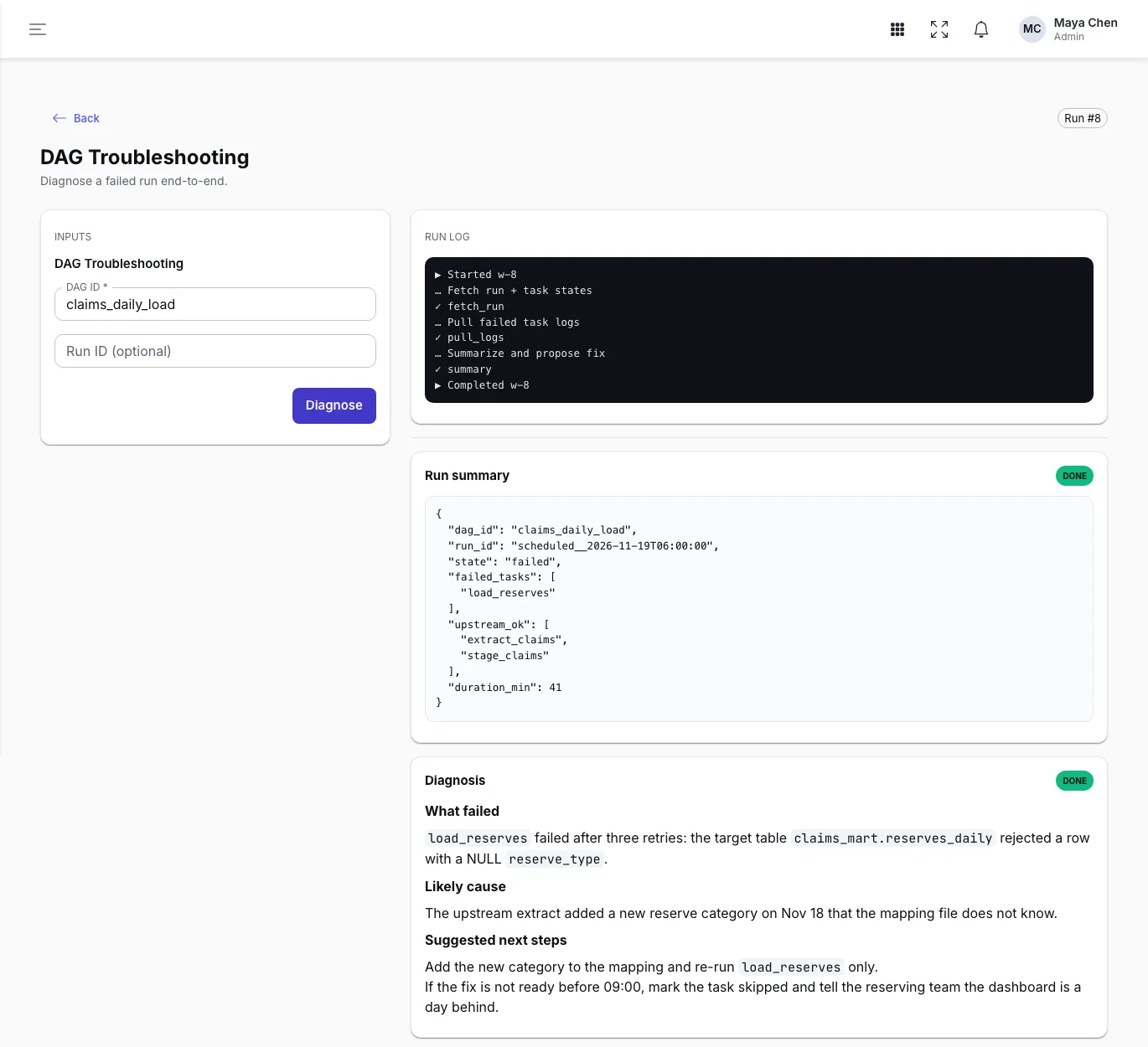
InsightStudio's access model is small enough to hold in your head, which is the point: the people who publish apps should be able to predict who will see them. This guide walks through the rules as the code applies them, then gives a pattern for setting up groups on day one.
Three principals, three levels
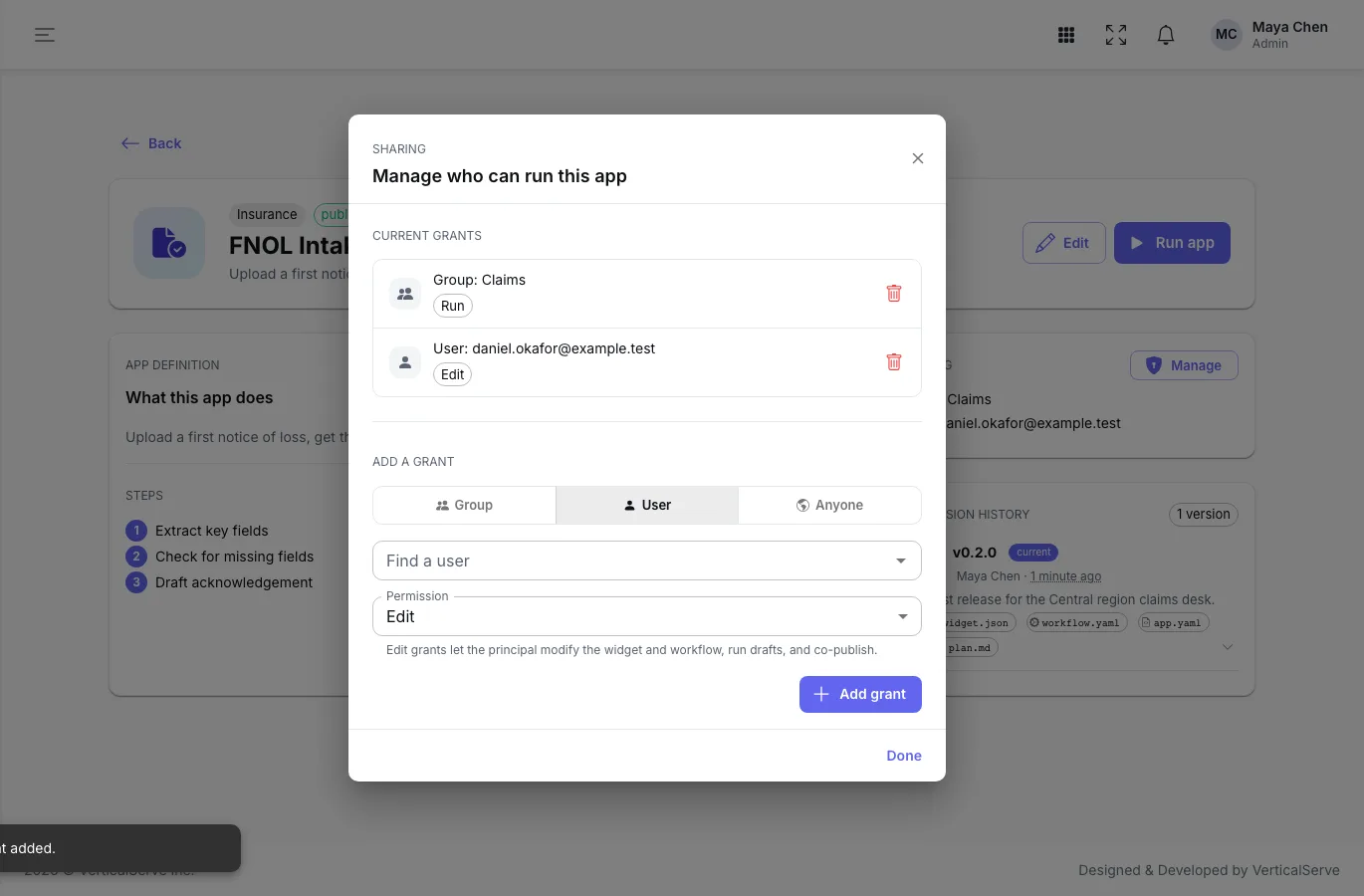
A grant connects an app to a principal at a permission level. Principals are a group, a single
person, or anyone in the organisation. Levels are run, edit and admin. Grants are
added from the app's detail page with the Manage button, by the owner or an administrator; adding the same grant twice is a
no-op.
| Level | Published app | Draft app | Change the bundle | Publish or roll back |
|---|---|---|---|---|
| No grant | Not listed; run refused | Not visible | No | No |
run | Listed; can run | Not visible | No | No |
edit | Listed; can run | Can open, test and run | Yes | No |
admin | Listed; can run | Can open, test and run | Yes | No |
| Owner / Studio admin | Listed; can run | Yes | Yes | Yes |
Two details are easy to miss. First, the marketplace is strict: it lists published apps only, even for owners and administrators. A draft is reached through My apps or its builder link, never by browsing. Second, publishing and rolling back are reserved for the owner and Studio administrators; an edit grant lets a colleague change and test the bundle, but someone with owner or admin rights makes it live.
Groups
Groups are defined in Studio under Groups & grants, each with a name, a slug and an optional description, and can be linked to an Okta group. With an Okta API token configured, Sync from Okta pulls the tenant's groups and adds or updates them; it never deletes a local group, because that would silently remove access granted through it.
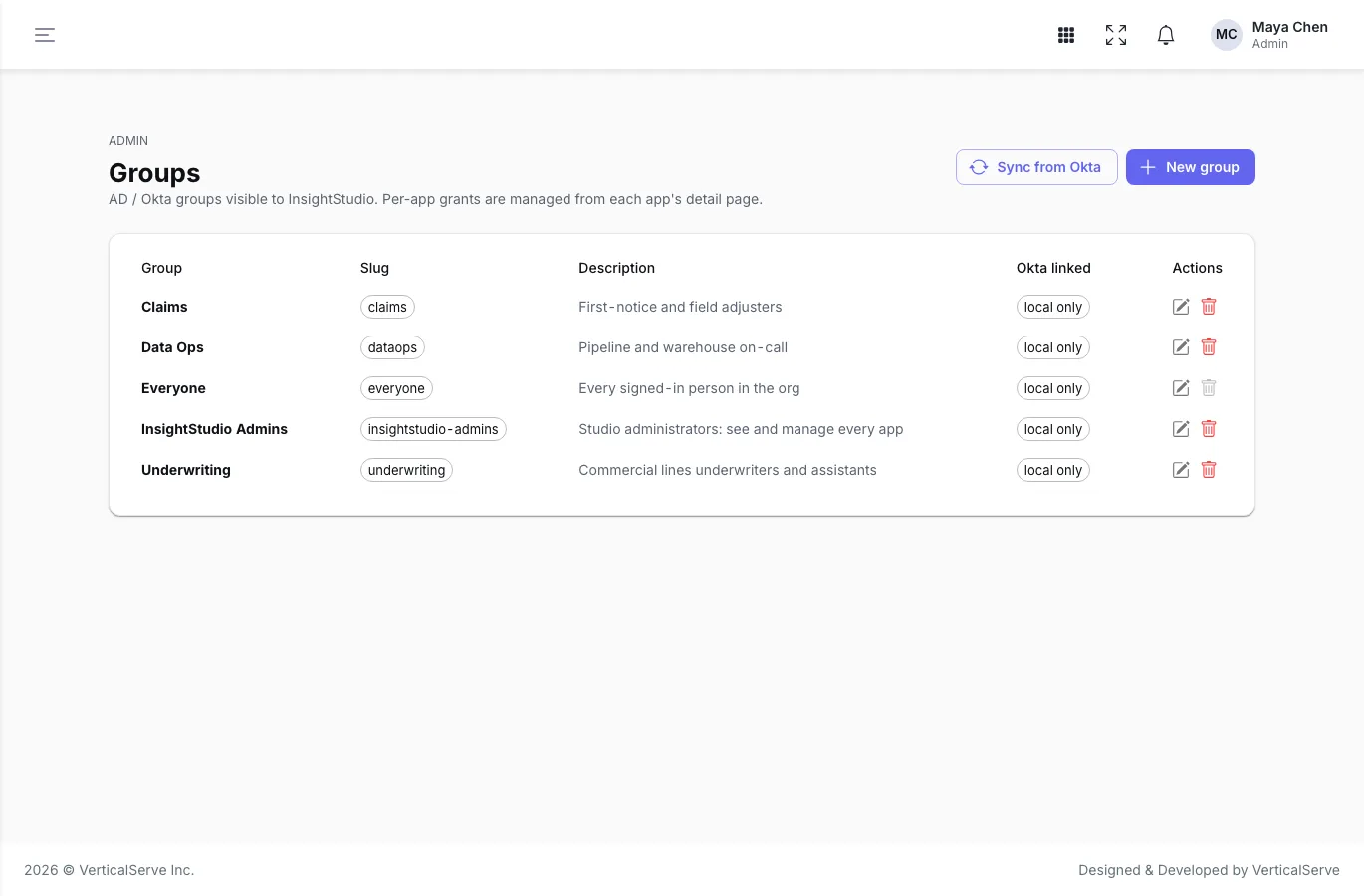
Membership is not stored in Studio. When someone signs in, Studio reads the groups claim on their sign-in token and
matches it against group slugs. That keeps your identity provider the single source of truth: move someone between teams there and
their Studio access follows at their next request. It also means a group grant only works if the identity provider actually puts the
group in the token, so check that before you rely on it. The insightstudio-admins group is special: membership makes a
person a Studio administrator.
Versions are immutable
Every publish creates a version with its own number, release notes, publisher and time, and stores all four bundle files with it. Editing a published app never touches the published version: the edit goes into a new draft, which becomes the next version when it is published. Each run records the version it ran, so My runs and the run detail always say which form, prompts and playbook produced a result.
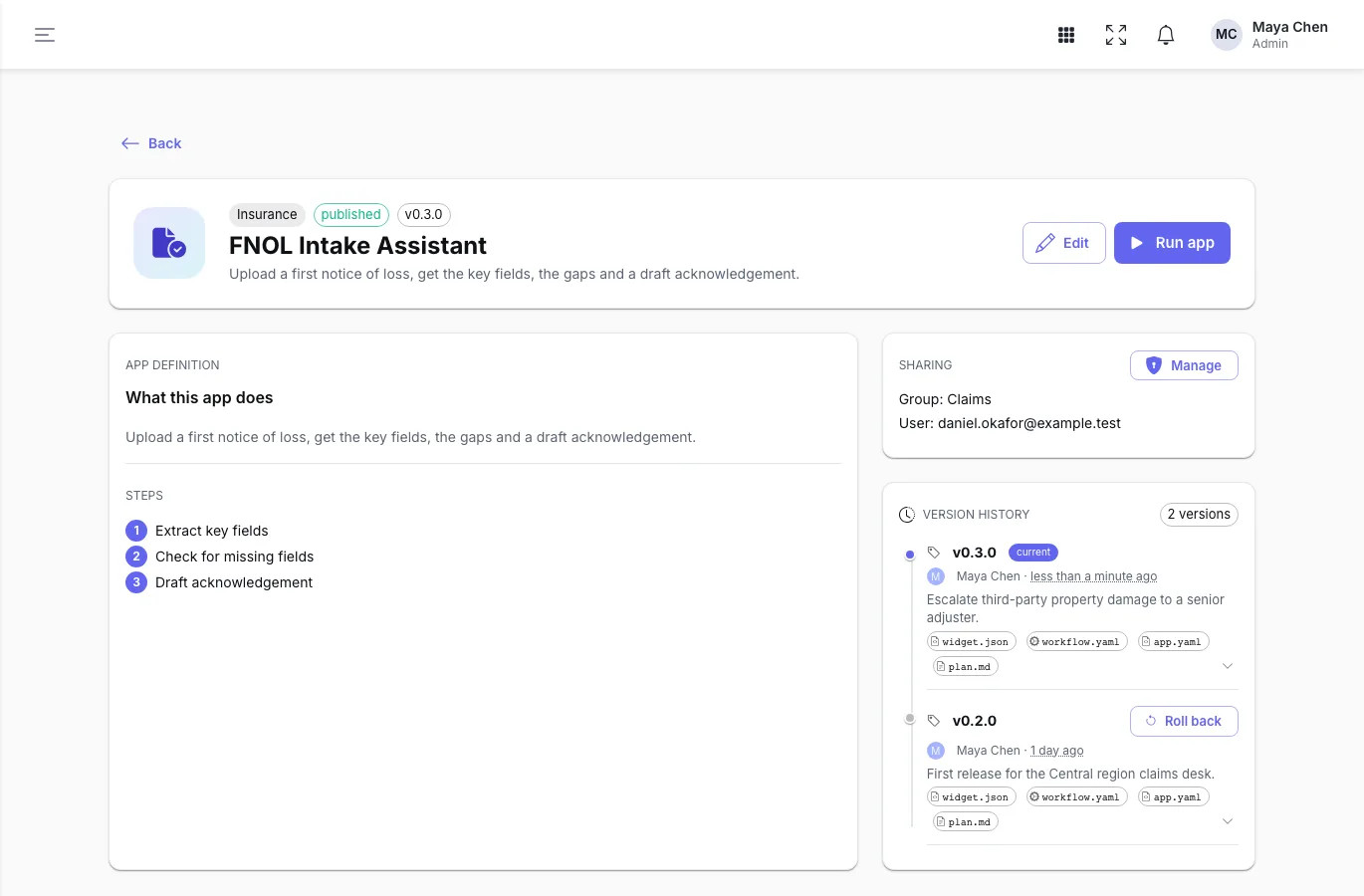
Rollback follows the same rule. Rolling back to v0.2.0 does not rewind anything; it copies v0.2.0's files into a new version (the next patch number unless you choose one), with release notes saying what it rolled back to, and publishes that. The history stays complete and in order, and if a bucket is configured the rolled-back copy is uploaded like any other publish.
A day-one setup that scales
- Create one group per team that will run apps (Claims, Underwriting, Data Ops), with slugs that match the group names your identity provider puts in the token. Link them to Okta if you use it.
- Keep
insightstudio-adminssmall: two or three people who can publish on behalf of others and fix grants. - Grant
runto groups, not people. Use person-level grants for co-authors, atedit. - Use Anyone sparingly, for genuinely org-wide tools; it bypasses the team boundary.
- Ask authors to write release notes for every publish. They are the only change log a runner will read.
- Review grants on an app when its owner changes teams; the owner can always act on their apps.
Questions people ask
Can a runner see the prompts? Assume yes. The run page shows the form and outputs, but anyone allowed to run an app can open its detail record, and the API returns the current version's files with it. Keep secrets out of prompts and plans; credentials belong on the worker.
What does the admin grant add over edit? Both allow changing and testing the bundle. Managing grants, publishing and rolling back stay with the owner and Studio administrators.
What about apps published from the CLI straight to the bucket? When a bucket is configured, Studio also lists bundles found there that it has no database record for. Those are listed for every signed-in person, so treat the bucket itself as the boundary for CLI-published apps.
What happens to grants when I publish a new version? Nothing: grants belong to the app, not to a version.
Can I hide an app without deleting it? Remove its grants. Only the owner and administrators will still see it.