Data teams already write runbooks. The trouble is that a runbook is a page someone has to read at 06:30 with a failed pipeline in front of them, and every step ("check the task states", "pull the failed task's log", "look for an upstream schema change") is done by hand. This worked example, again at the made-up Harborline Mutual, shows how a data platform team uses InsightStudio to turn one of those runbooks into an app the on-call person runs.
The nightly claims load fails, again
Harborline's claims_daily_load pipeline feeds the reserving dashboard. When it fails, whoever is on call in the Data Ops rotation has to work out which task failed, why, and whether the dashboard will be late. Daniel Okafor, a data engineer, owns the runbook. He wants the first diagnosis done the same way every time, with the on-call person deciding what to do about it.
Authoring where engineers already work
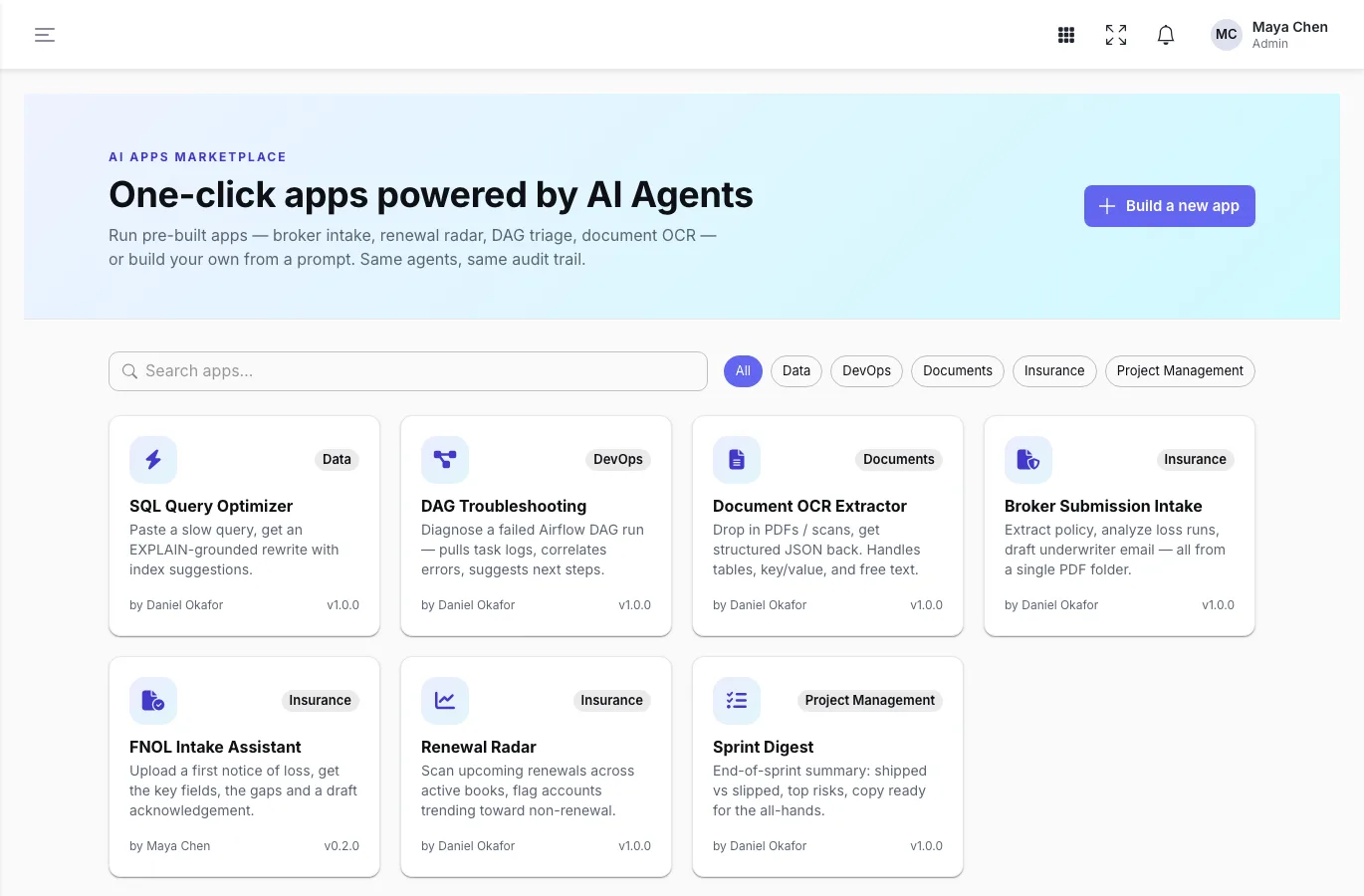
InsightStudio's sample apps include a DAG Troubleshooting app: a DAG id (required) and an optional run id, three steps (fetch the run and task states, pull the failed task logs, summarise and propose a fix) and two panels, a run summary and a written diagnosis. Daniel used it as the starting point. An engineer can do this in the browser builder, or keep the bundle in a repository, edit the YAML locally and publish with the InsightWorker CLI. Both paths produce the same four files and run the same validation, and when Studio has a shared bucket configured it reads CLI-published bundles from it, so the app ends up in the same marketplace either way.
What he changed from the sample is what makes it Harborline's: the workflow prompts name the scheduler's API and the warehouse schema, and the plan's escalation section says to stop and page the platform lead if the fix would write to production tables or if more than one pipeline has failed in the same window.
Sharing it with the rotation
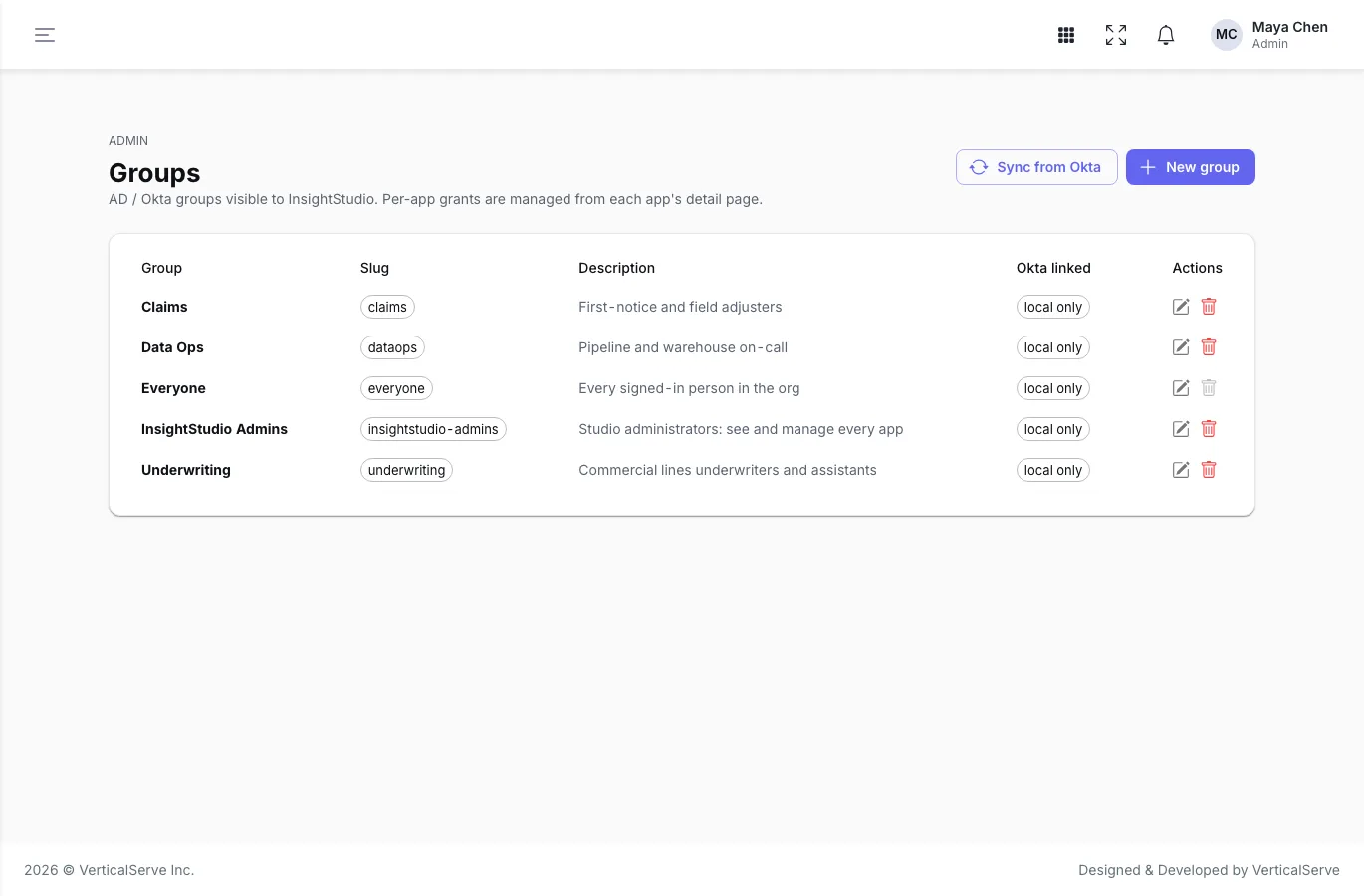
He granted run to the Data Ops group. The rotation changes weekly; because membership comes from the
group claim on each person's sign-in token, whoever is in the group can run the app and nobody edits grants on Monday mornings. In the
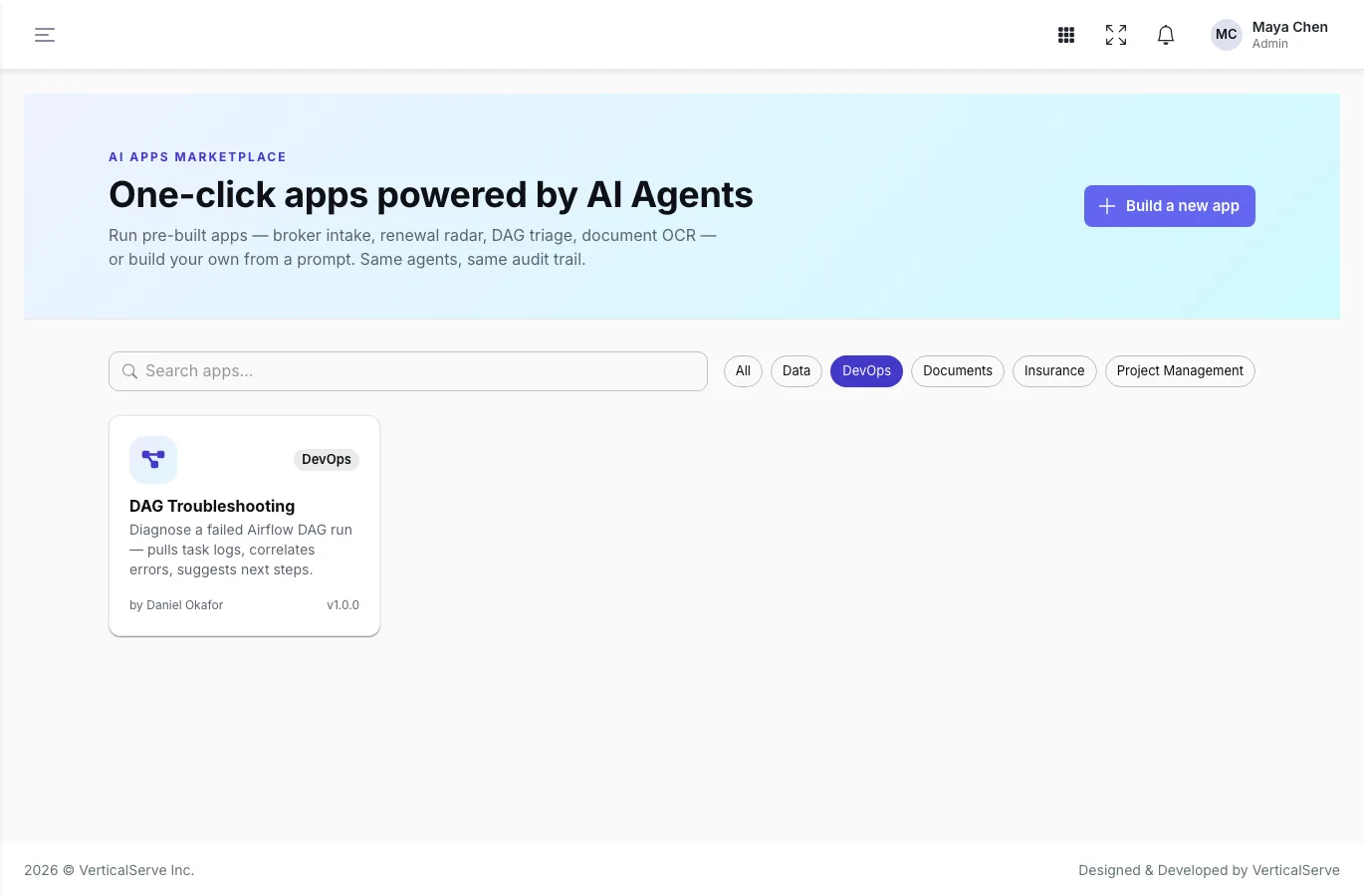
marketplace it sits under DevOps.
A run at 06:40
The on-call engineer enters claims_daily_load and presses Diagnose. A worker on the data platform network claims the
run: that box holds the scheduler and warehouse credentials, and it is the only thing that talks to them. Studio only ever sees the
events it posts back.
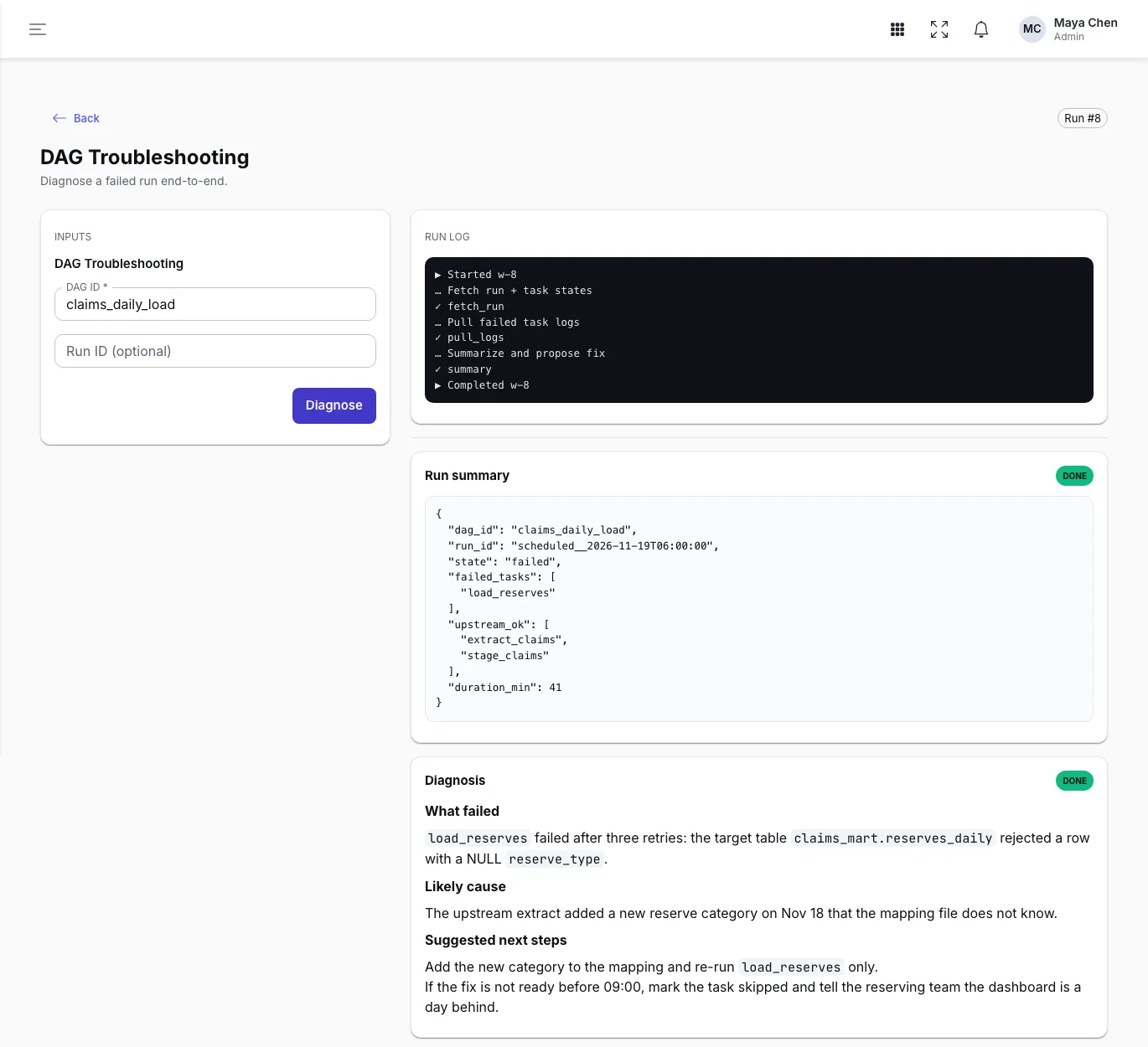
The diagnosis is a starting point, not an action. The app has no step that changes anything; re-running the task or marking it skipped is still the on-call engineer's decision, made in the tools they already use. That boundary is written into the workflow and the plan, and it is the reason the team was comfortable sharing it widely.
Good candidates, and poor ones
| Good fit for an app | Better left as a runbook or automation |
|---|---|
| Same first diagnosis every time; a person decides next. | Fully automatic remediation with no human in the loop. |
| Reads from systems the worker already has credentials for. | Needs credentials you would not put on any one box. |
| Inputs fit a short form: an id, a date, a file. | Needs a long back-and-forth conversation to scope. |
| The output can be checked by reading it. | The output can only be checked by running it in production. |
What the team gets from it
Not a dashboard of time saved; nobody measured that. What they did get is concrete: one place where the runbook lives as something runnable, a version number on every diagnosis, a run history the platform lead can read the next morning, and a way for an analyst on the reserving team to build the next app (a reconciliation check, say) in the browser without waiting for Daniel.