InsightStudio is quick to try and easy to get subtly wrong in production, because the settings that make a laptop demo smooth are the ones you must change before real people sign in. This checklist is for the IT or platform team running the rollout. It covers what to set up, in order, and then how to pick and launch the first apps so the marketplace is useful on its first day.
1. Turn off developer mode
DEV_MODE=true, the API treats a request that carries no token as a built-in development administrator. It exists so a laptop can run without an identity provider. In any shared environment set DEV_MODE=false and confirm that an unauthenticated request to an app endpoint returns 401.2. Sign-in and groups
- Tokens. Studio verifies sign-in tokens and reads
sub,email,nameandgroupsfrom them. For Okta, set the issuer, and the audience if your authorisation server issues one (leave it blank to skip the audience check);JWKS_URIoverrides the key URL for tenants with a different path. - Group sync. An Okta API token (
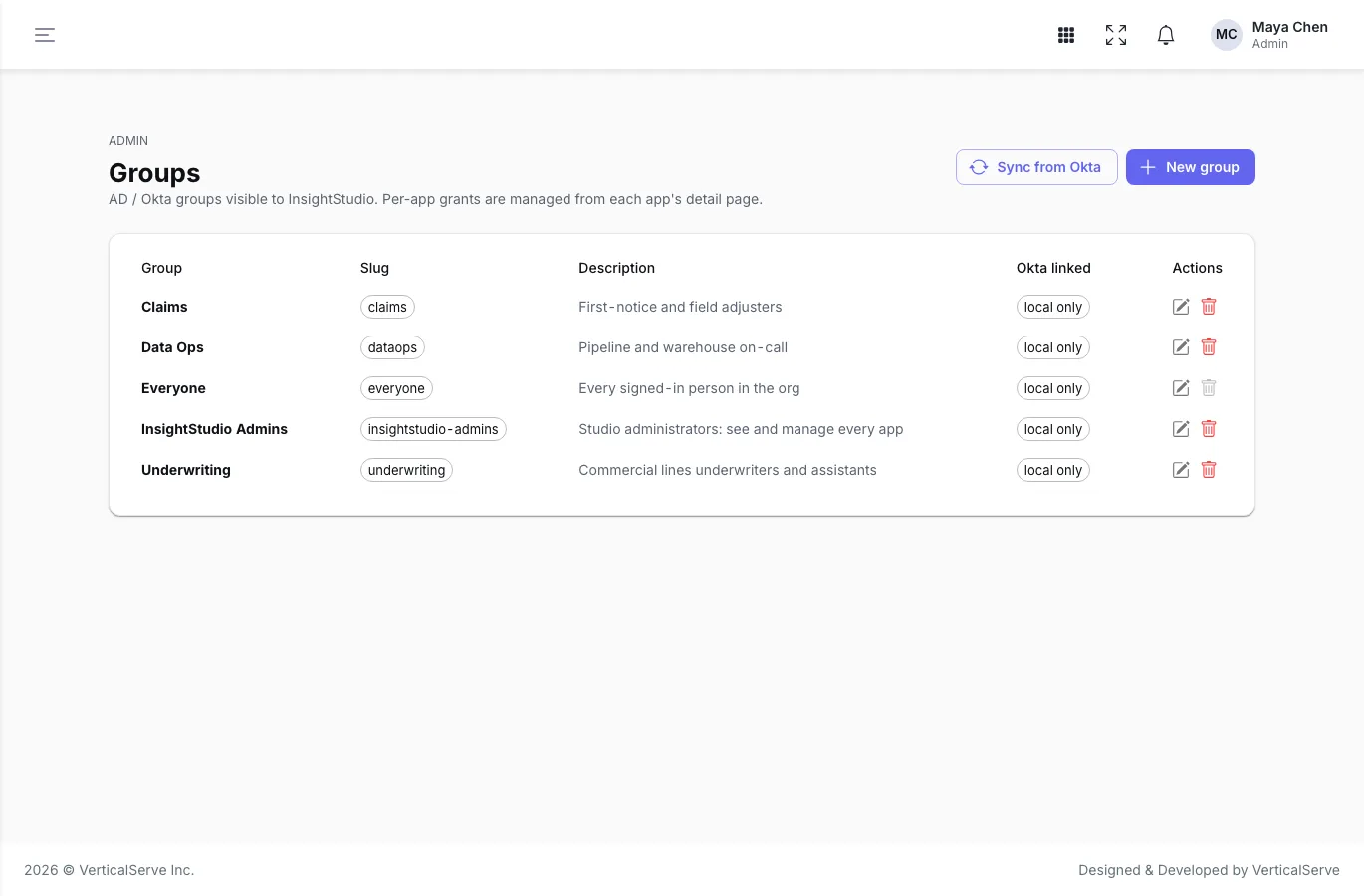
OKTA_API_TOKEN) enables Sync from Okta on the Groups page. Without it the button reports that sync is not configured and groups are created by hand. - Group slugs. Group grants match the names in the token's
groupsclaim against Studio group slugs. Check with one test user that the claim contains what you expect before you grant anything to a group. - Administrators. Membership of
insightstudio-adminsmakes someone a Studio administrator: they see every published app and can publish, roll back and manage grants on any app. Keep it small.
3. Databases and secrets
Studio keeps apps, versions, grants, workers, runs and run events in its application database (DATABASE_URL, or the
individual host, port, user and database settings). The shared identity and connection tables live in a Postgres schema configured
separately (INSIGHT_DATABASE_URL and INSIGHT_DATABASE_SCHEMA). Point both at databases in your environment
explicitly: the platform connection takes its password from a secret reference (an AWS Secrets Manager, Azure Key Vault, file or
environment-variable ref) rather than from the URL, and you should never rely on a built-in default.
4. The shared bucket
Studio works without a bucket: apps live in the database and uploads are stored on the API host. Setting
STUDIO_ARTIFACTS_BUCKET (and optionally a prefix) switches on three things at once:
| With a bucket | Effect |
|---|---|
| Publishing | Every published version is written to apps/<slug>/v<version>/ with a manifest, and LATEST moves. A version that already exists is refused. |
| CLI-published apps | Bundles published with iw app publish to the same bucket appear in the marketplace. Decide who may write to that prefix, because the bucket is the boundary for CLI-published apps. |
| Uploads | Files attached to a run (up to 50 MiB each) go to the bucket instead of the API host's disk. |
Give the API role write access to the prefix and the workers read access, and decide who else may write there, because anything published into it by the CLI is listed for everyone.
5. The drafting model
The builder's first draft and the Refine with prompt tab use a model. LLM_PROVIDER chooses between
bedrock (with BEDROCK_MODEL and AWS_REGION), anthropic (with an API key and model),
template or auto, which tries Bedrock, then Anthropic, then the template. The template needs no model and
always produces a valid draft, so a deployment without a model still works; authors simply do more editing. Running apps does not use
this setting: each worker uses its own model configuration.
6. The worker farm
- Pick the boxes. Each worker needs outbound HTTPS to the Studio API and the credentials for the systems its apps touch. Nothing needs to reach the worker.
- Start each with
insightworker --worker --studio <url> --token <bearer>, a stable hostname and the rolerunner. Use a process manager (systemd, launchd) to keep it up. - Check the fleet with
GET /api/v1/workers: each worker should be idle with a recent heartbeat. Silence for 30 seconds marks a worker offline. - Register each worker with the credentials it holds. Studio uses the skills and credentials a worker advertises to route each run to a worker that is qualified for it.
- Treat worker tokens like service credentials: issue one per worker and keep the Studio API on your network.
7. Choosing the first five apps
The marketplace is only as useful as what is in it on the first morning. Pick apps with these properties:
- A form someone already fills in. An email they forward, a spreadsheet row, a ticket template. The inputs are known.
- An output a person reviews. A summary, a table of gaps, a draft message. Not an action on a production system.
- One owning team. So there is one group to grant and one person to ask.
- Credentials one worker can hold. If an app needs access no single box should have, it is not a first app.
- A clear escalation rule. If the author cannot say when the agent should stop, the plan is not ready.
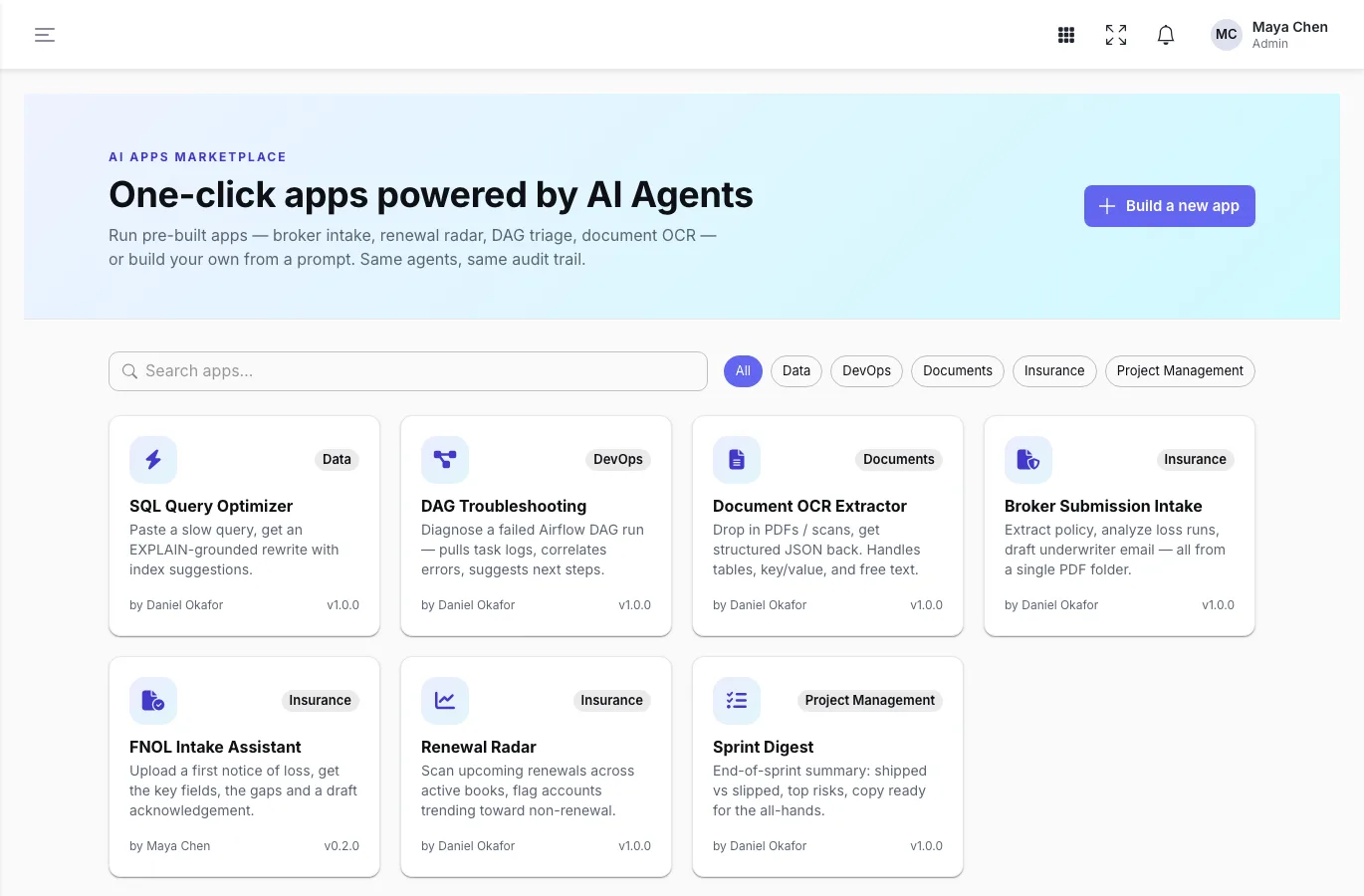
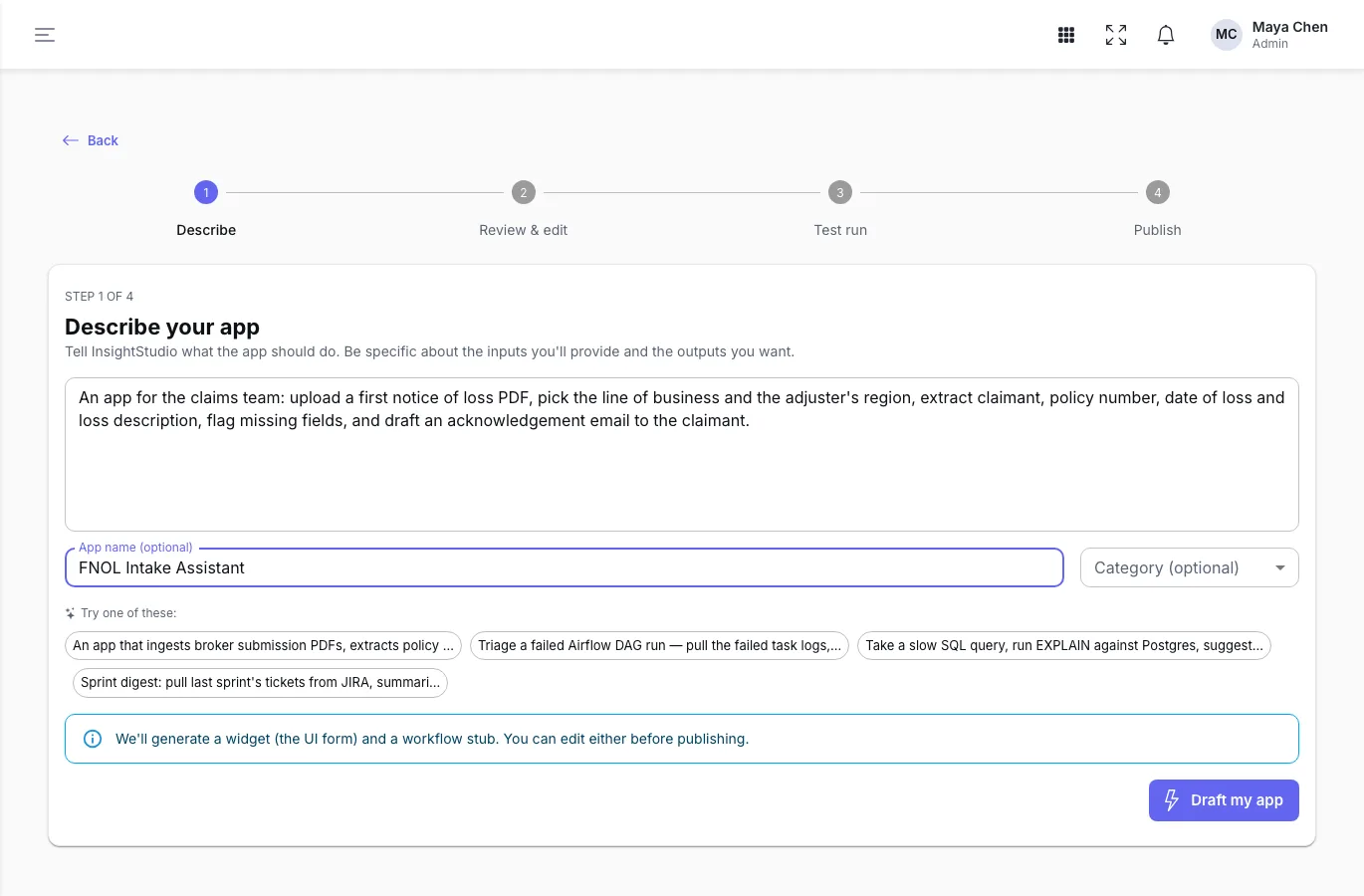
The product's own sample apps (broker submission intake, renewal radar, DAG troubleshooting, SQL query optimizer, document OCR extraction, sprint digest) are reasonable templates to adapt. The two worked examples on this blog, an FNOL intake app and a pipeline triage app, show the editing that turns a template into something a team will trust.
8. Launch-day checks
| Check | How |
|---|---|
| Unauthenticated requests are refused | Call an app endpoint without a token; expect 401. |
| Group grants work | Sign in as a non-admin member of a granted group; the app should be in the marketplace. |
| Drafts stay private | As the same user, confirm a colleague's draft is not listed and its builder link is refused. |
| A run reaches a worker | Start a run; it should leave queued within a poll or two, and the worker should go busy, then idle. |
| Publishing writes the bucket | Publish a test version and look for it under apps/<slug>/. |
| Version and history | Open My runs: each run should show the version it ran. |
Questions IT usually asks
Does anything leave our network? Studio, its databases and the bucket are yours. Calls to a model provider happen only if you configure one for drafting, and from workers according to their own configuration.
Can business users break production? Only through what an app's steps and its worker's credentials allow. Keep first apps read-only and put write-capable credentials on no worker until you have a reason to.
Is there an approval step before an app goes live? Not as a separate workflow. Publishing is limited to an app's owner and Studio administrators, and nobody sees an app until it is granted to them, so the grant is the practical gate.